Adding Tax
How to calculate Total from Before Tax
When a price does not include Tax, start with Before Tax and the Tax Rate to work out the Total. The Tax Rate is a percentage of Before Tax.
A worked example
For this example, use USD 80.00 Before Tax and an illustrative Tax Rate of 10%.
Total = Before Tax × (1 + Tax Rate ÷ 100)
- Before Tax
- USD 80.00
- Tax Rate
- 10%
- Tax Amount
- USD 8.00
- Total
- USD 88.00
First calculate the Tax Amount: 80.00 × 10 ÷ 100 = 8.00. Add that to Before Tax: 80.00 + 8.00 = 88.00.
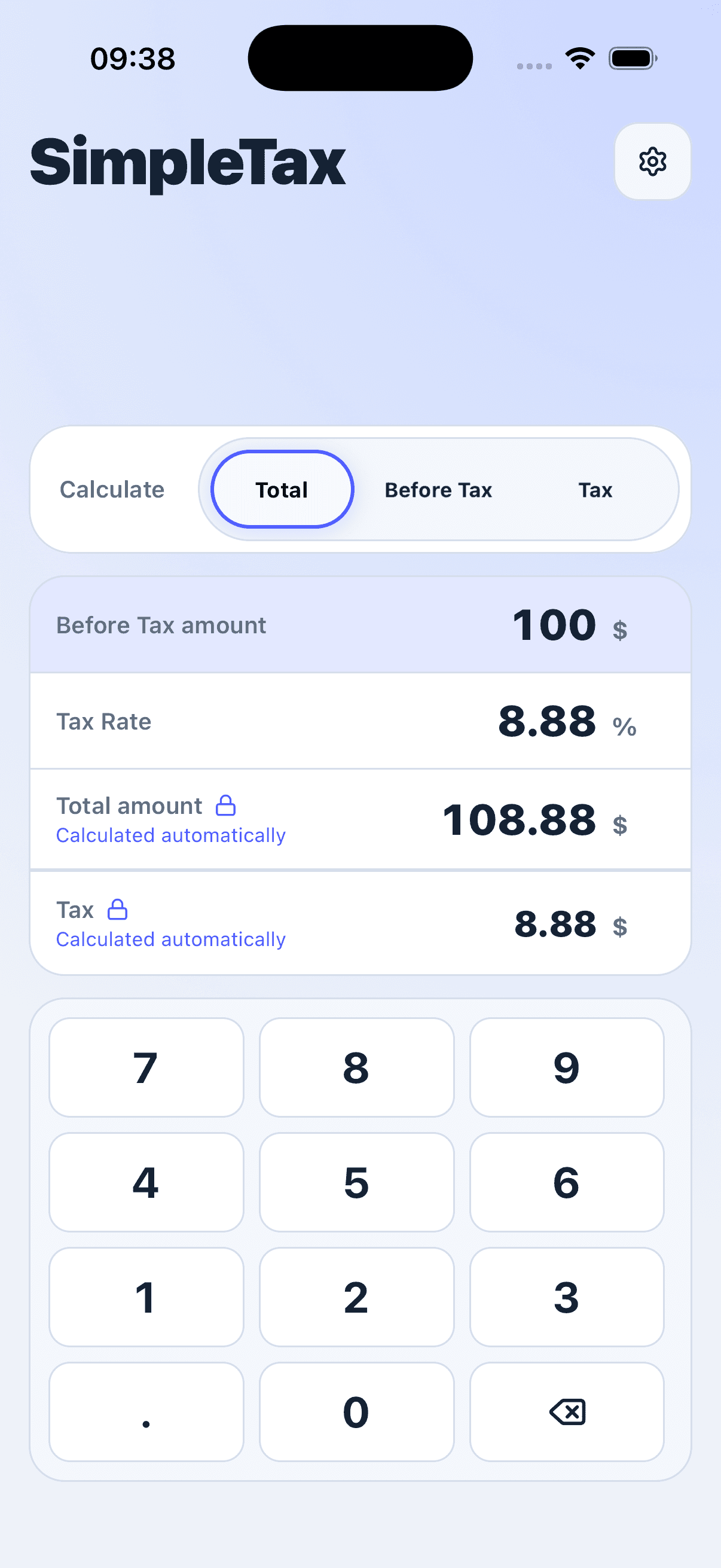
Try it in SimpleTax
- Choose USD as your currency.
- Select Total as the value to calculate automatically.
- Enter 80 in Before Tax and 10 in Tax Rate.
- Read Total as 88.00 and Tax Amount as 8.00.


Start with the price before Tax
If the price already includes Tax, use the Before Tax guide instead. Adding Tax again would count it twice. The percentage here is only an example; enter the Tax Rate for your calculation.