Working backwards
How to find Before Tax from Total
When you know the Total and Tax Rate, divide by the Tax multiplier to recover Before Tax. You can then find the Tax Amount by subtracting Before Tax from Total.
A worked example
For this example, use a Total of USD 120.00 and an illustrative Tax Rate of 20%.
Before Tax = Total ÷ (1 + Tax Rate ÷ 100)
- Total
- USD 120.00
- Tax Rate
- 20%
- Before Tax
- USD 100.00
- Tax Amount
- USD 20.00
Divide 120.00 by 1.20 to get 100.00 Before Tax. Subtract 100.00 from 120.00 to get a Tax Amount of 20.00.
Try it in SimpleTax
- Choose USD as your currency.
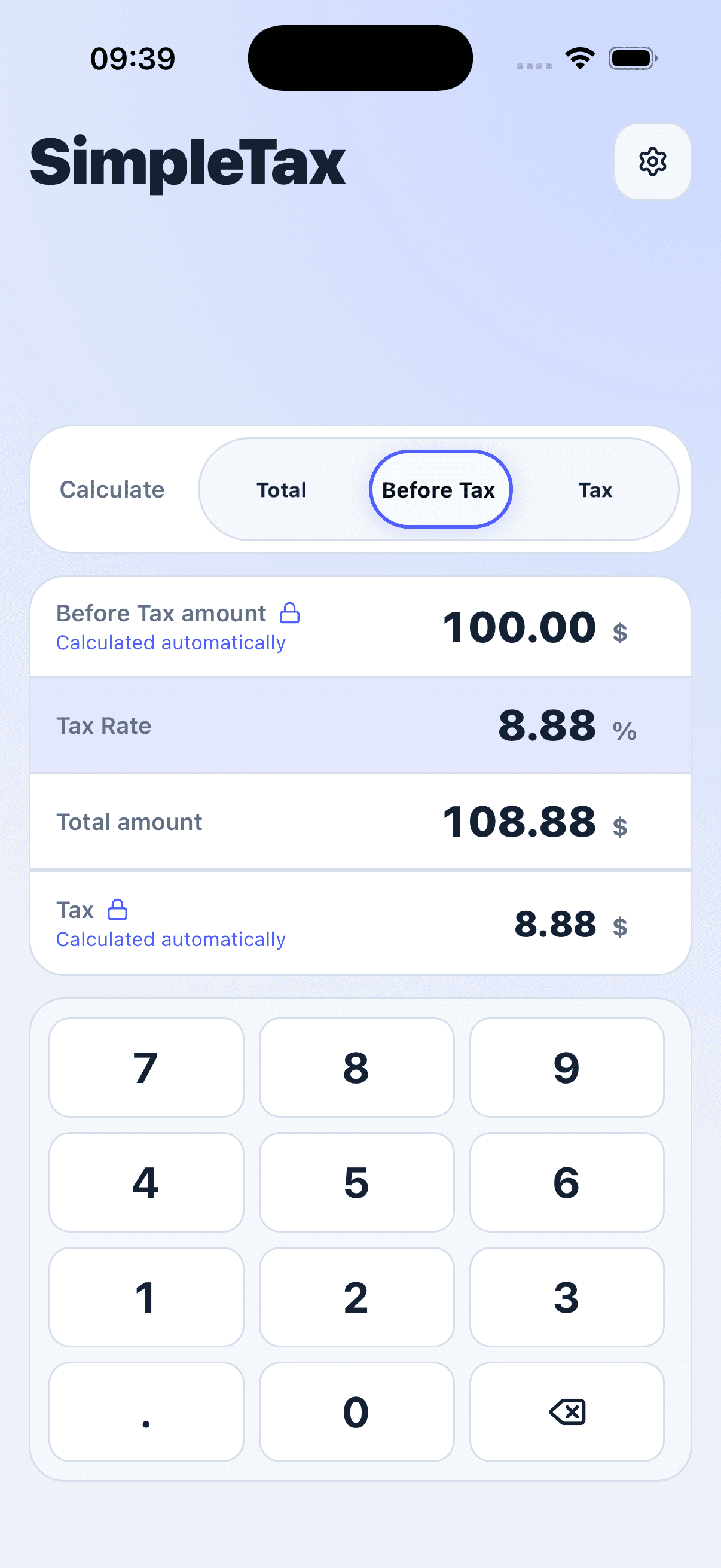
- Select Before Tax as the value to calculate automatically.
- Enter 120 in Total and 20 in Tax Rate.
- Read Before Tax as 100.00 and Tax Amount as 20.00.


Why subtracting 20% gives a different answer
The Tax Rate applies to Before Tax, not to Total. Subtracting 20% of 120.00 gives 96.00, which is not the original price. Dividing by 1.20 reverses the original calculation. Use the Tax Rate for your calculation; 20% is only an example.