Finding a percentage
How to find the Tax Rate from Before Tax and Total
If you know both the Before Tax amount and the Total, their difference is the Tax Amount. Divide that difference by Before Tax to find the Tax Rate as a percentage.
A worked example
For this example, use USD 75.00 Before Tax and a Total of USD 90.00.
Tax Rate = (Total − Before Tax) ÷ Before Tax × 100
- Before Tax
- USD 75.00
- Total
- USD 90.00
- Tax Amount
- USD 15.00
- Tax Rate
- 20%
Subtract 75.00 from 90.00 to get a Tax Amount of 15.00. Then divide 15.00 by 75.00 and multiply by 100: the Tax Rate is 20%.
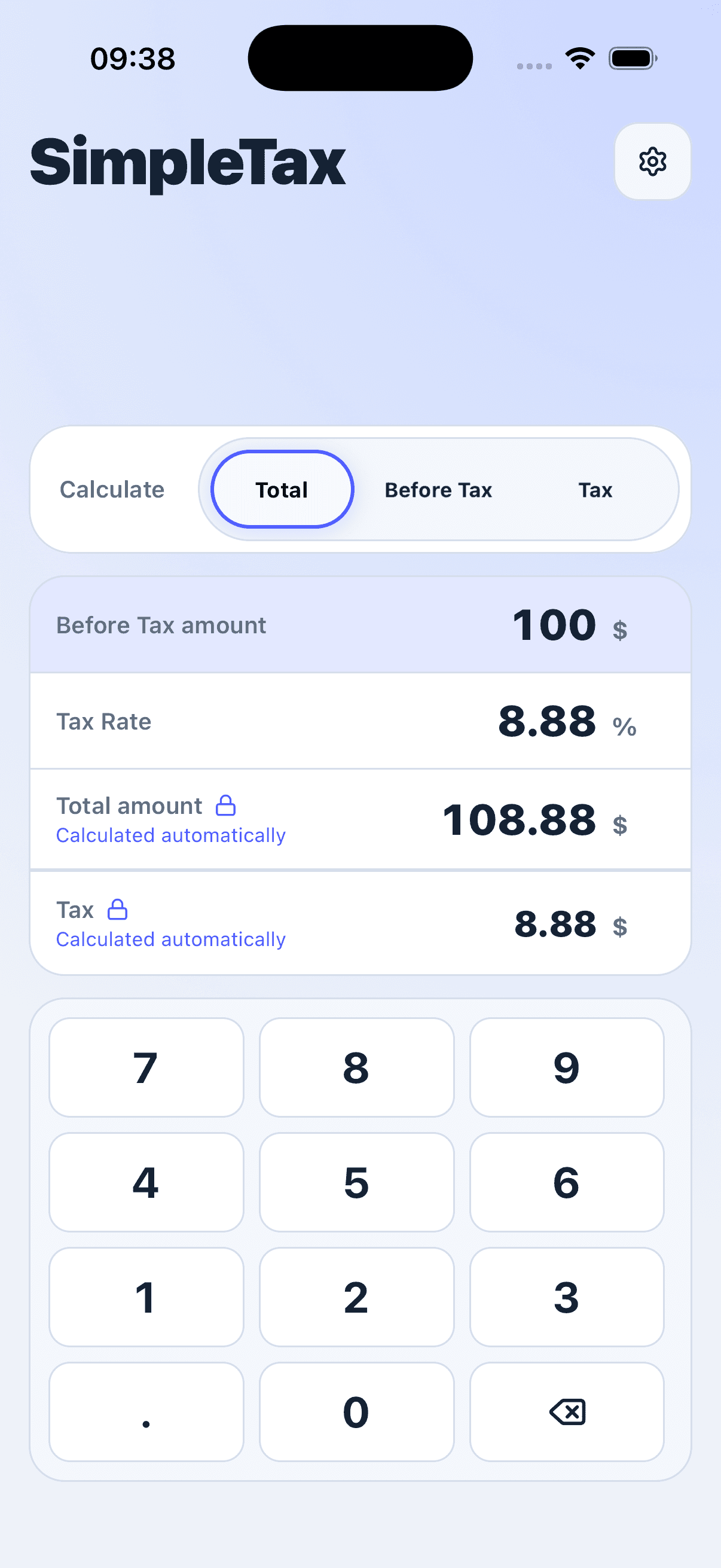
Try it in SimpleTax
- Choose USD as your currency.
- Select Tax in the Calculate control to calculate Tax Rate automatically.
- Enter 75 in Before Tax and 90 in Total.
- Read Tax Rate as 20% and Tax Amount as 15.00.


Use Before Tax as the base
The Tax Rate compares the Tax Amount with Before Tax, not with Total. This formula needs a Before Tax amount greater than zero. The result describes the amounts entered; it does not determine which Tax Rate should apply to a purchase.