Understanding rounding
How currency rounding works in SimpleTax
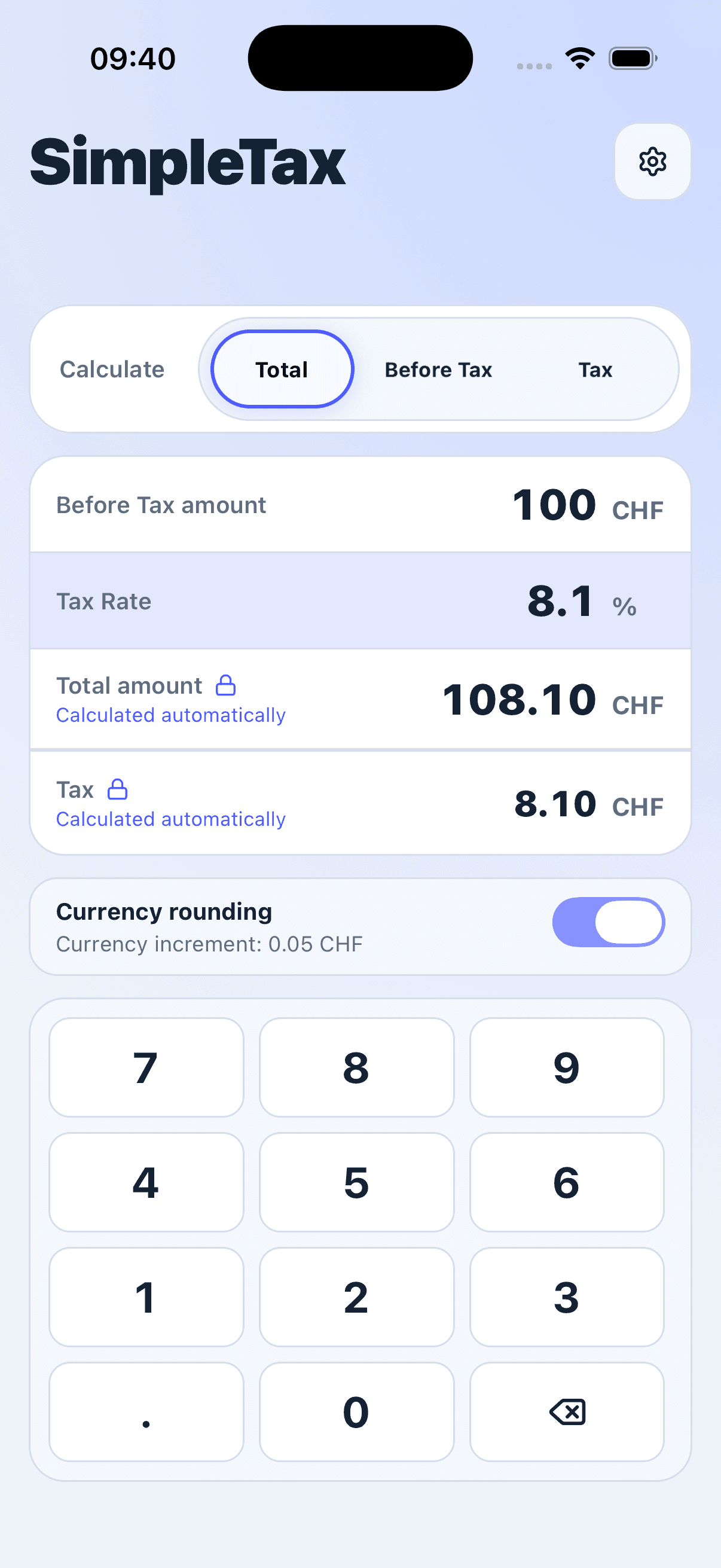
SimpleTax uses the selected currency to format monetary amounts. USD uses two decimal places, JPY uses zero, and KWD uses three. For currencies with an additional rounding increment, the Currency rounding switch lets you apply that increment.
A worked example
Choose CHF, calculate Total from 10.00 Before Tax, and enter an illustrative Tax Rate of 8.1%. Compare the result with Currency rounding off and on.
Before Tax + Tax Amount = Total
- Before Tax
- CHF 10.00
- Tax Rate
- 8.1%
- Rounding off
- 0.81 Tax · 10.81 Total
- Rounding on
- 0.80 Tax · 10.80 Total
The unrounded Tax Amount is 0.81. With Currency rounding off, CHF amounts use two decimal places. With it on, the Tax Amount rounds to the nearest 0.05, giving 0.80. In Total mode, SimpleTax adds the rounded Before Tax and Tax Amount to get 10.80.
Try it in SimpleTax
- Choose CHF as your currency.
- Select Total, enter 10 in Before Tax, and enter 8.1 in Tax Rate.
- With Currency rounding off, read Tax Amount as 0.81 and Total as 10.81.
- Turn Currency rounding on to see Tax Amount become 0.80 and Total become 10.80.


Rounding keeps the amounts consistent
SimpleTax rounds to the nearest increment, with exact halfway values rounded away from zero. Depending on the calculation mode, it derives an amount from the difference between the other amounts so Before Tax + Tax Amount remains equal to Total. Currency selection controls formatting and rounding; it does not convert money or choose a Tax Rate.